How to Turn Lyrics into a Song: A Practical Guide
Turn a lyric draft into a song plan with clear sections, singable phrases and a useful style brief. Compare a voice-memo demo with an AI music workflow.
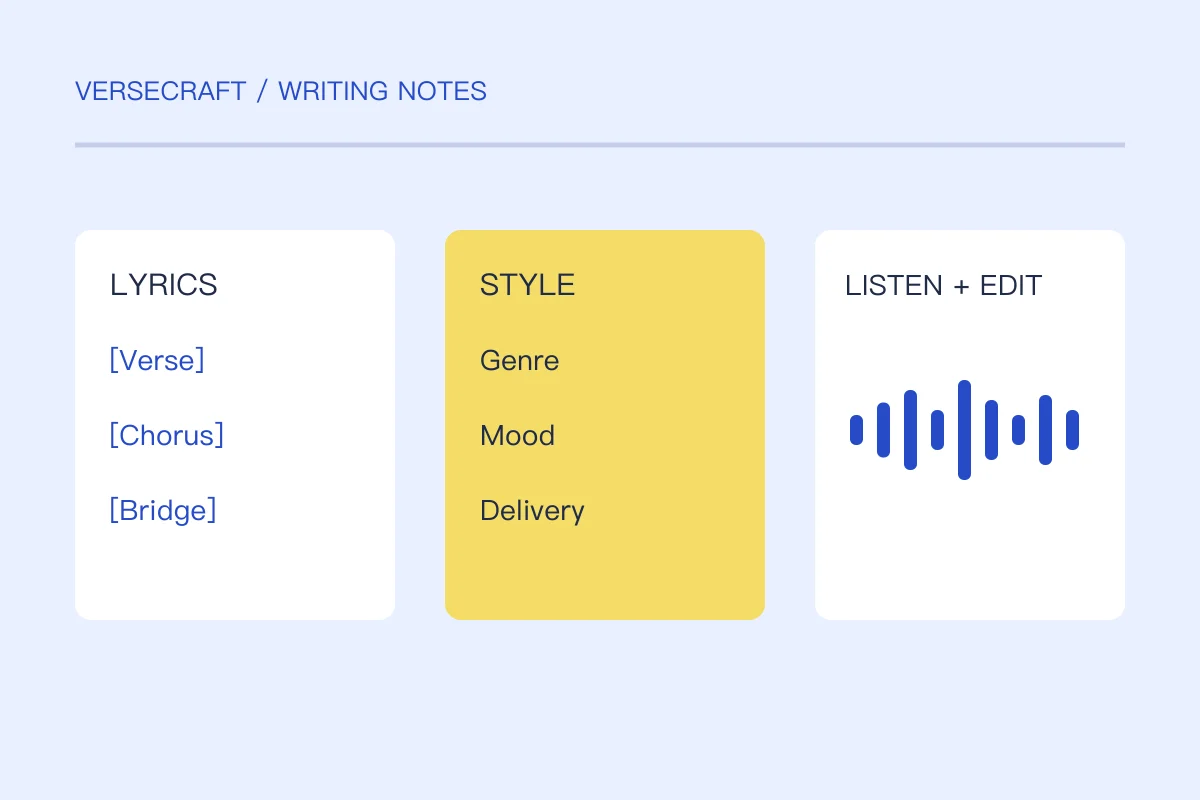
To turn lyrics into a song, you need decisions about melody, rhythm, structure and accompaniment. You can explore them with your voice and an instrument, collaborate with a musician, or use an available AI music service to generate a draft from lyrics and a style brief.
Text alone does not determine one correct tune. Treat each demo as a way to discover what the words need. This guide explains how to prepare the lyric and judge the result before spending time polishing a recording.
1. Clean up the lyric you want sung
Separate the title from the vocal text. Remove editorial notes, alternate lines and unfinished comments that should not become part of the performance. Keep a separate copy of those notes so you do not lose useful alternatives.
Give the sections clear labels such as [Verse 1], [Chorus], [Verse 2] and [Bridge]. Labels make your intended arrangement visible; a music model’s handling of them may vary, so always listen to the output rather than assuming they guarantee an exact form.
Here is an original short excerpt for preparation:
[Verse 1]
The last bus shakes the window frame
I write and wipe away your name
[Chorus]
One reply before the morning
One small thing I can begin
This is an excerpt, not a finished song. Write the missing sections or deliberately choose a short demo format. Do not pad the lyric with repeated verses merely to reach an imagined required length.
2. Make a rough human demo first
Tap a pulse and speak the lines. Hum two possible melodic shapes for the chorus: one that rises toward the main word, and another that settles downward. You do not need polished singing to compare which phrase feels believable.
Record a voice memo. Listen for places where a consonant disappears, a word receives an odd emphasis or a phrase has no room to breathe. Try moving a word before rewriting the entire section. The syllable and stress guide gives a focused test.
If you use an instrument, keep the accompaniment simple enough to hear the phrasing. If you collaborate, share the lyric, a rough memo and a short statement of emotional intent. A collaborator can respond more usefully to that combination than to “make it good.”
3. Separate sung words from the style brief
The lyric field should contain what you want performed. A style brief describes the musical direction: genre, mood, pace, vocal delivery, instrumentation and the development between sections.
For the excerpt above, try an original brief: “Reflective indie pop, unhurried pulse, intimate lead vocal, dry electric piano and a restrained drum groove. Keep the verse close and let the chorus open slightly. Hopeful without sounding triumphant.”
This brief uses musical characteristics instead of asking for a particular artist’s voice. Avoid contradictory requests such as “very slow, frantic pace, whispering stadium belting” unless you can explain when each change should happen.
4. Understand the AI workflow before generating
In an AI lyrics-to-song service, the text and style brief are submitted to a model; the service then reports whether the job is running, finished or failed. A completed job should provide a real audio result you can listen to. A progress animation is not evidence that a song has been created.
Replicate’s MiniMax Music 2.5 model page documents a music-generation model that accepts lyric and prompt inputs. Model behavior, limits and commercial terms should be checked on the provider’s current documentation for the service you use.
Versecraft’s lyrics-to-song page receives the lyric from the editor and checks service availability. At publication, production AI writing and song generation are not enabled. You can prepare and transfer the text, but the page does not promise playable audio while the service is unavailable. If generation is enabled later, review the displayed credit cost before starting a job.
5. Judge the result in four passes
Words: are the intended lyrics actually sung, in the right order and language? Mark omissions or unexpected additions.
Phrasing: can you understand the important words? Listen for rushed syllables, unnatural stresses and a chorus that finishes before its main thought lands.
Structure: does the transition into the chorus feel earned? Is the bridge useful? A technically complete file can still need arrangement work.
Direction: does the vocal and accompaniment express the song’s intent? A bright arrangement might support a sad lyric through contrast, but that should be a choice you can defend.
Change one major variable between versions. If the words are good but the demo feels rushed, adjust pace or phrasing before replacing the story. Keep labeled versions so you can compare rather than repeatedly overwriting your favorite take.
Before sharing the song
Save the lyric as text, keep the style brief and download the actual audio when the service allows it. Provider-hosted result links may not be permanent. Do not treat a temporary player as your only copy.
Confirm you have permission for any third-party lyrics, instrumental or recording you include. This checklist is a production workflow, not a promise that every generated output has the same usage terms.
Can I make a song without playing an instrument?
Yes. Start with a voice memo, collaborate with someone who arranges music, or explore an available generation service. You still benefit from deciding the central feeling and listening critically to the result.
Will the same lyrics always produce the same melody?
No. Lyrics can support many melodies, and generative services may produce different takes. Preserve a version you like and compare changes intentionally.